How to Buy Concert Tickets with Klarna
Klarna can appear on TicketLater checkout when your purchase and processor support it — here is the practical flow from browse to payment without surprises.
Find tickets →TicketLater Learn
Start on TicketLater search or any TicketLater SEO browse page that lists live events with transparent totals. Klarna is never guaranteed: it shows up only when Stripe enables dedicated Klarna for that checkout session, which depends on region, risk checks, ticket totals, and inventory source. That is why you should always walk through the seat map first, confirm quantities, and review all-in pricing before you assume a BNPL brand will unlock.
Once you land on an event, compare sections using the lowest all-in per ticket TicketLater can display. After you add seats to cart and continue, the payment step lists every eligible method — cards, wallets, and Klarna when available. Selecting Klarna hands you off to Klarna's own disclosure screens where you see schedule, any APR, and eligibility outcomes. TicketLater does not underwrite loans or store Klarna credentials.
If Klarna is missing, finish the purchase with another listed method or revisit later when inventory or processor rules change. For tours with extreme demand, acting fast on seats matters more than waiting for a specific BNPL brand — you can still compare upfront totals across sections before you commit with any payment type.
Eligibility
Klarna evaluates order size, region, merchant category, and buyer profile each checkout. There is no guarantee Klarna appears for every concert — the payment step lists only enabled methods for that session.
PayPal Pay in 4 note
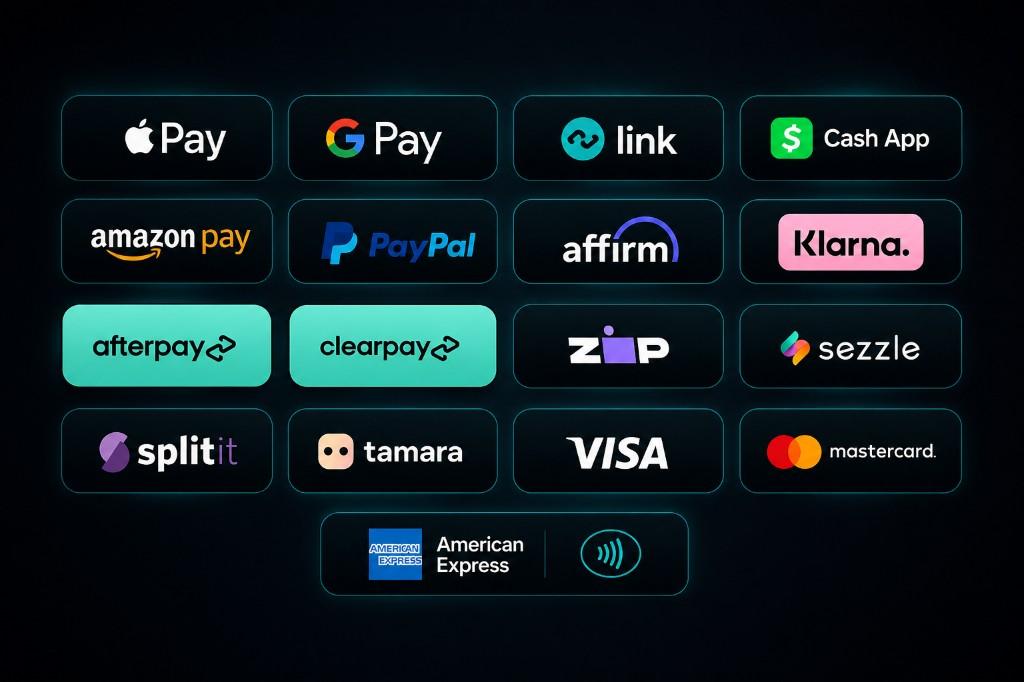
PayPal may appear in marketing trust logos, but PayPal Pay in 4 is not a confirmed TicketLater checkout method at this time. If you need installments, use Klarna, Affirm, Afterpay, or Zip when they appear on the payment step.
Accepted methods
How to check out
- 1
Search TicketLater for the artist, team, or city you care about, then open an event with clear all-in pricing.
- 2
Choose seats and quantities on the map; confirm face value plus fees before continuing.
- 3
On the payment step, select Klarna only if it appears for your order.
- 4
Complete Klarna’s identity and plan screens — read APR, installment amounts, and due dates.
- 5
Return to TicketLater’s confirmation view after Klarna approves the charge so you have ticket and receipt details.
FAQ
Will Klarna always show up for concerts?
No. Availability depends on processor rules, region, and order attributes. If Klarna is hidden, use another method listed at checkout.
Does TicketLater store my Klarna login?
Authentication happens entirely inside Klarna’s hosted flow. TicketLater never sees your Klarna password.
Can I dispute a charge with Klarna if the event cancels?
Follow TicketLater’s ticket policies for refunds or exchanges, and coordinate with Klarna on how balances adjust if you financed the purchase.
Is Pay in 4 the only Klarna option?
Klarna may surface multiple programs depending on merchant setup — whatever appears is explained within Klarna before you accept.
What if Klarna declines me mid-checkout?
Return to the TicketLater payment step and choose a card or wallet that is still enabled for the session.
Does TicketLater sell airline tickets, parking tickets, or traffic fines?
No. This site covers live event tickets only — we do not sell airline tickets, traffic tickets, parking tickets, lottery tickets, raffle tickets, or court fines.
Related guides

Ready to find tickets?
Browse live events with pay-later options at checkout.